



Description
Download Voice Recorder APK – voice recorder, audio recording, free app, Android, sound recording, voice memo, record voice, high-quality audio, device audio, mobile recording
Overview
Voice Recorder is a free Android application developed by Sappalodapps Development, designed to provide users with a straightforward tool for capturing audio on mobile devices. The software enables recording of both personal voice and system audio, making it suitable for a range of practical applications such as lecture notes, interviews, podcast snippets, and mobile presentations. Its primary function is to serve as a reliable, accessible voice memo tool that requires no complex setup or subscription. The app is intended for general consumers and students who need a simple way to record and manage audio content directly from their Android devices. Real-world usage scenarios include capturing spoken ideas during commutes, documenting meeting discussions, or recording music from streaming apps. While the developer did not provide additional details about the app’s background or development history, its core purpose remains focused on accessibility and ease of use. The app is available at no cost, making it accessible to a broad audience seeking a no-frills recording solution.
Key Features & Capabilities
- Dual Audio Recording – Allows users to record either their voice or the sound being played through the device, enabling flexibility in capturing spoken content or background audio.
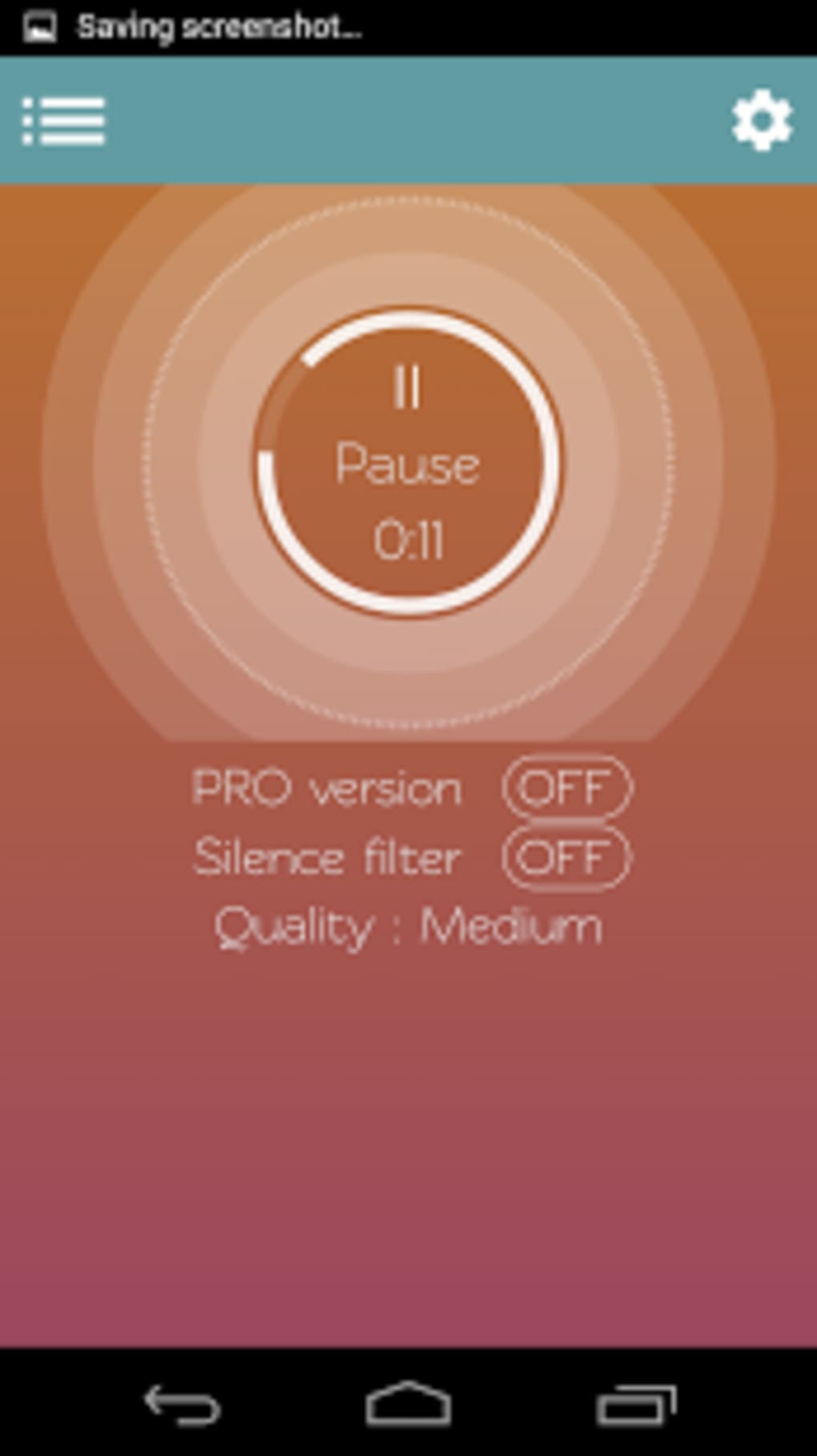
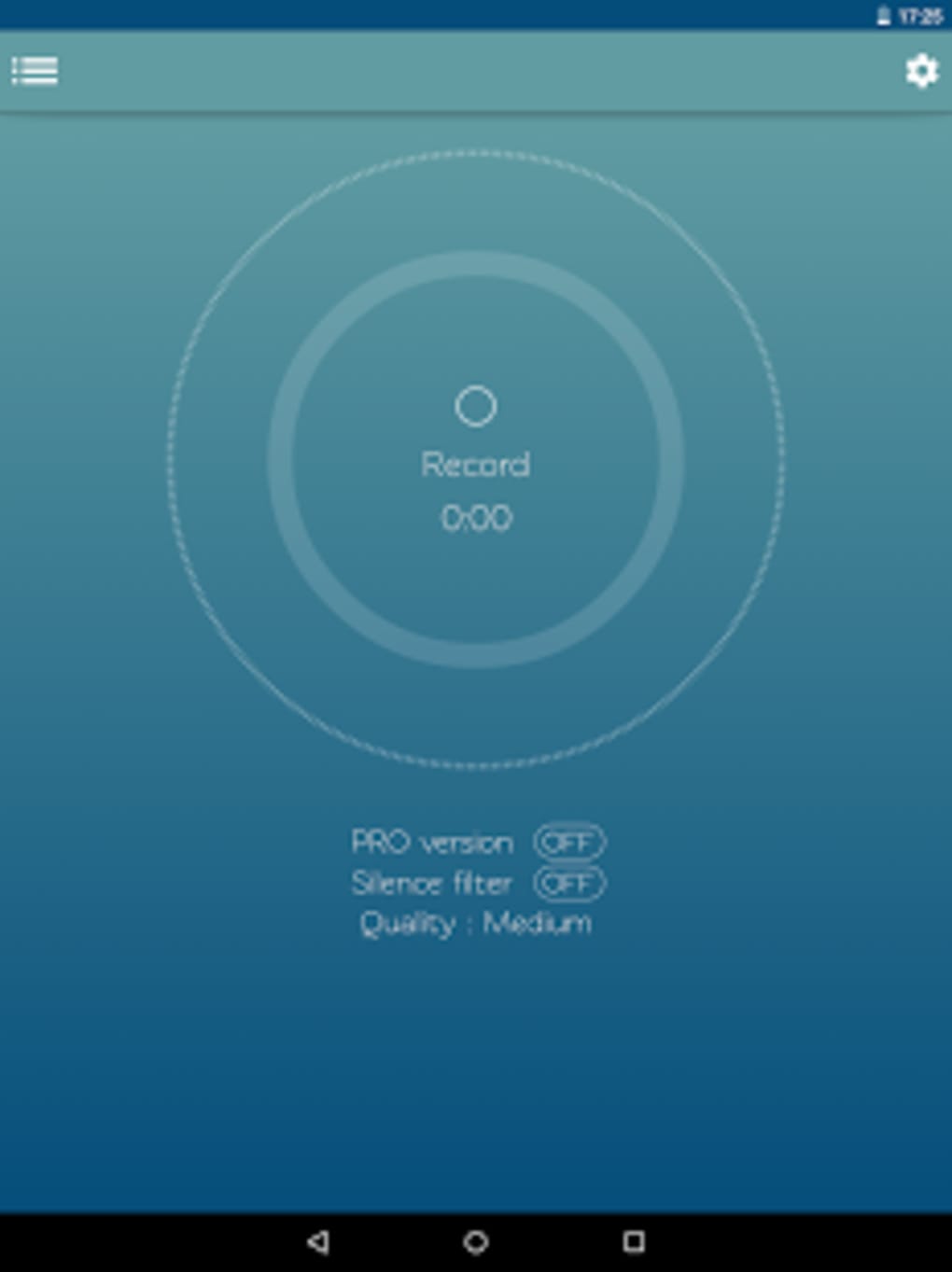
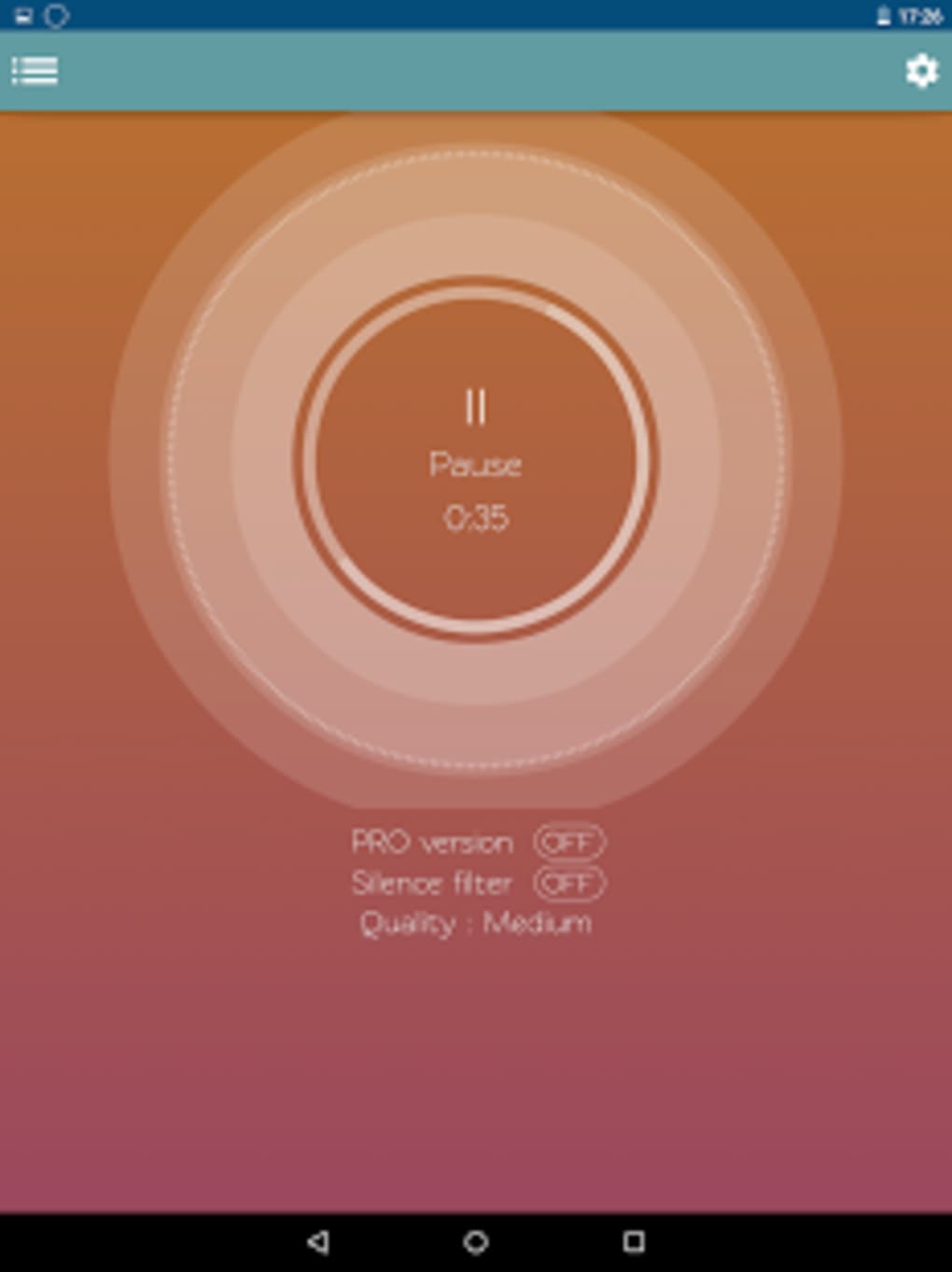
- Simple Recording Interface – Features a minimalistic design with a prominent record button, making it easy to start and stop recordings with a single tap.
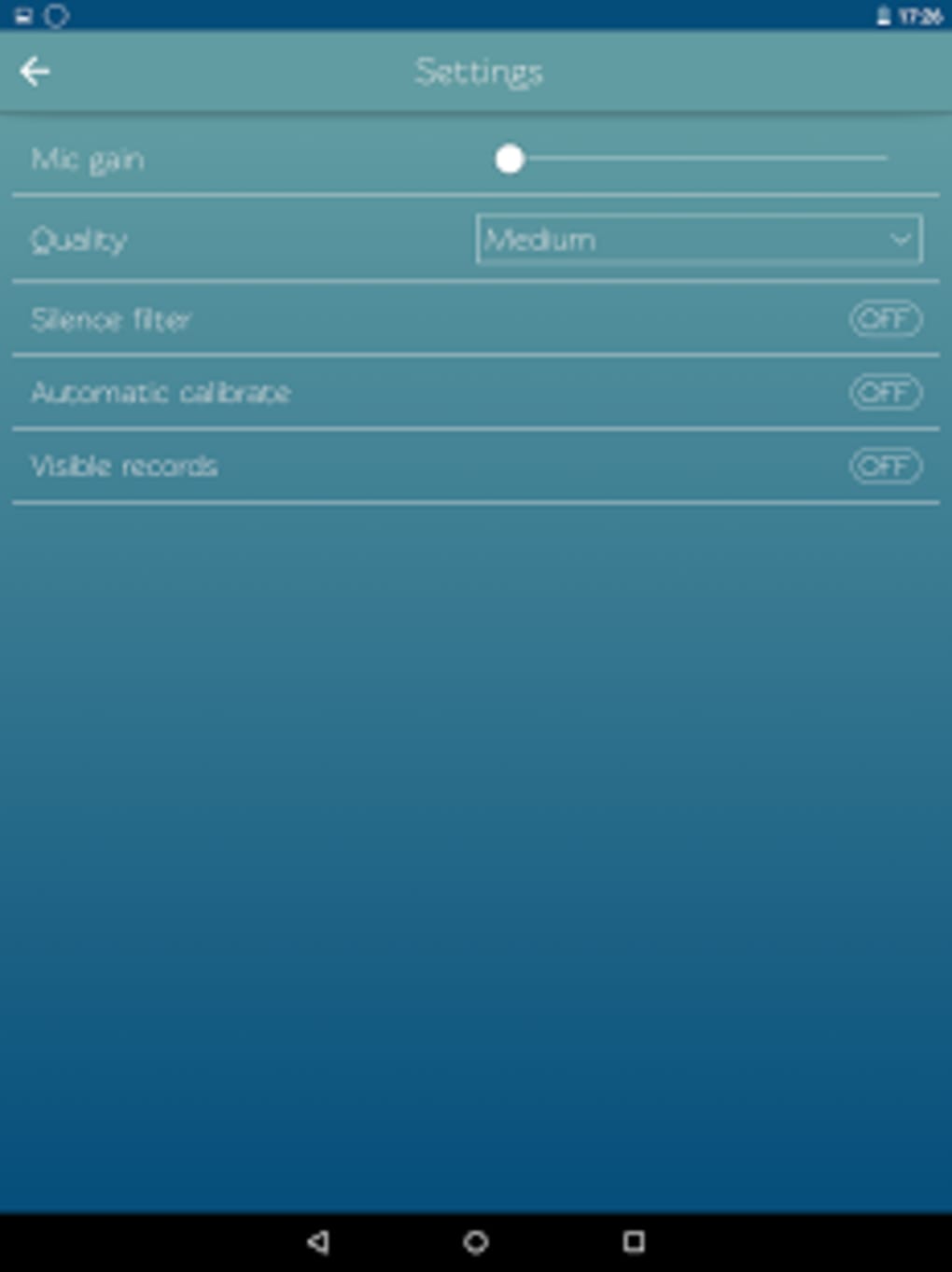
- Recording Options Settings – Accessible via a gear icon, the settings menu lets users adjust recording preferences such as quality, format, and storage location.
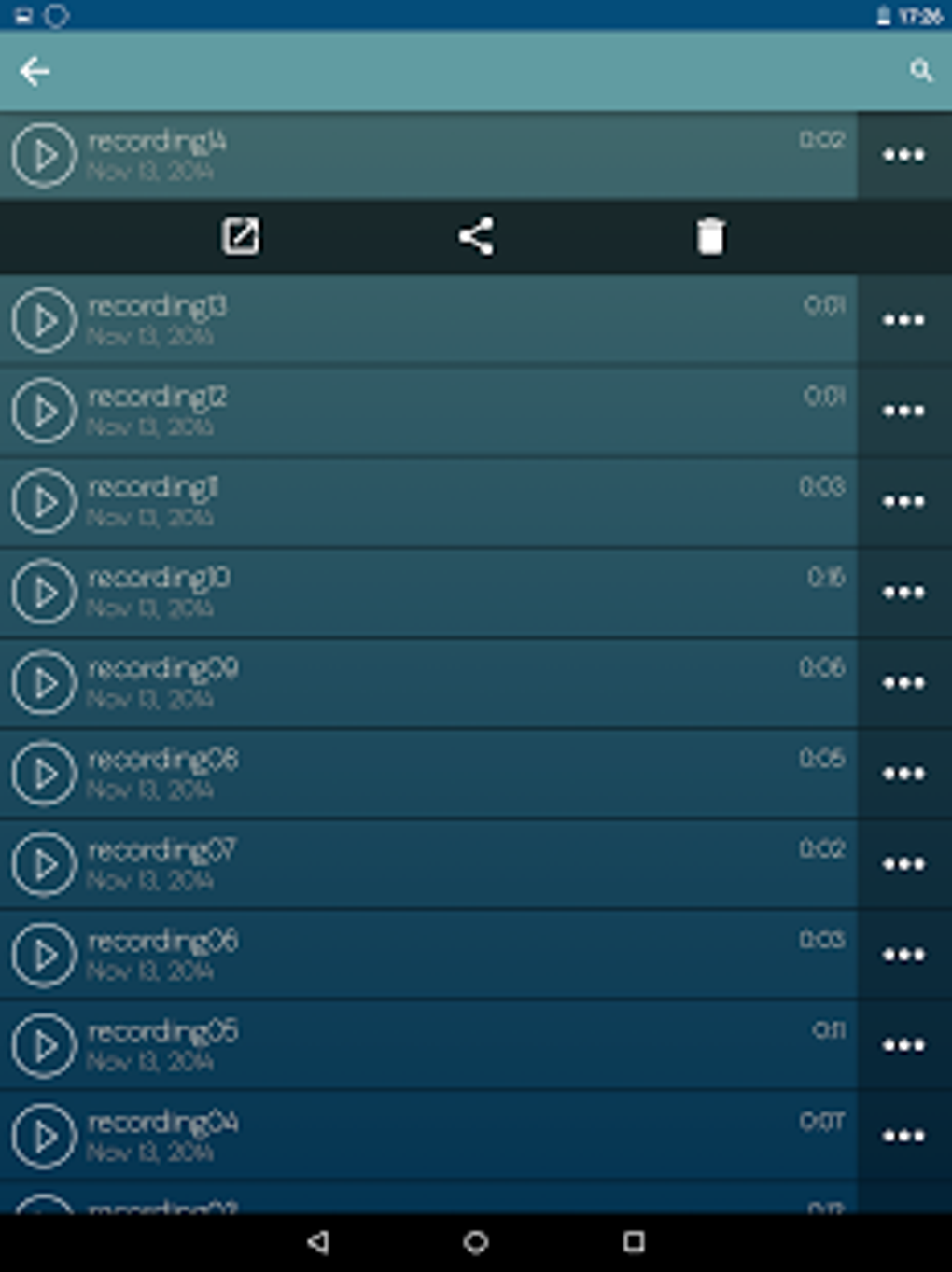
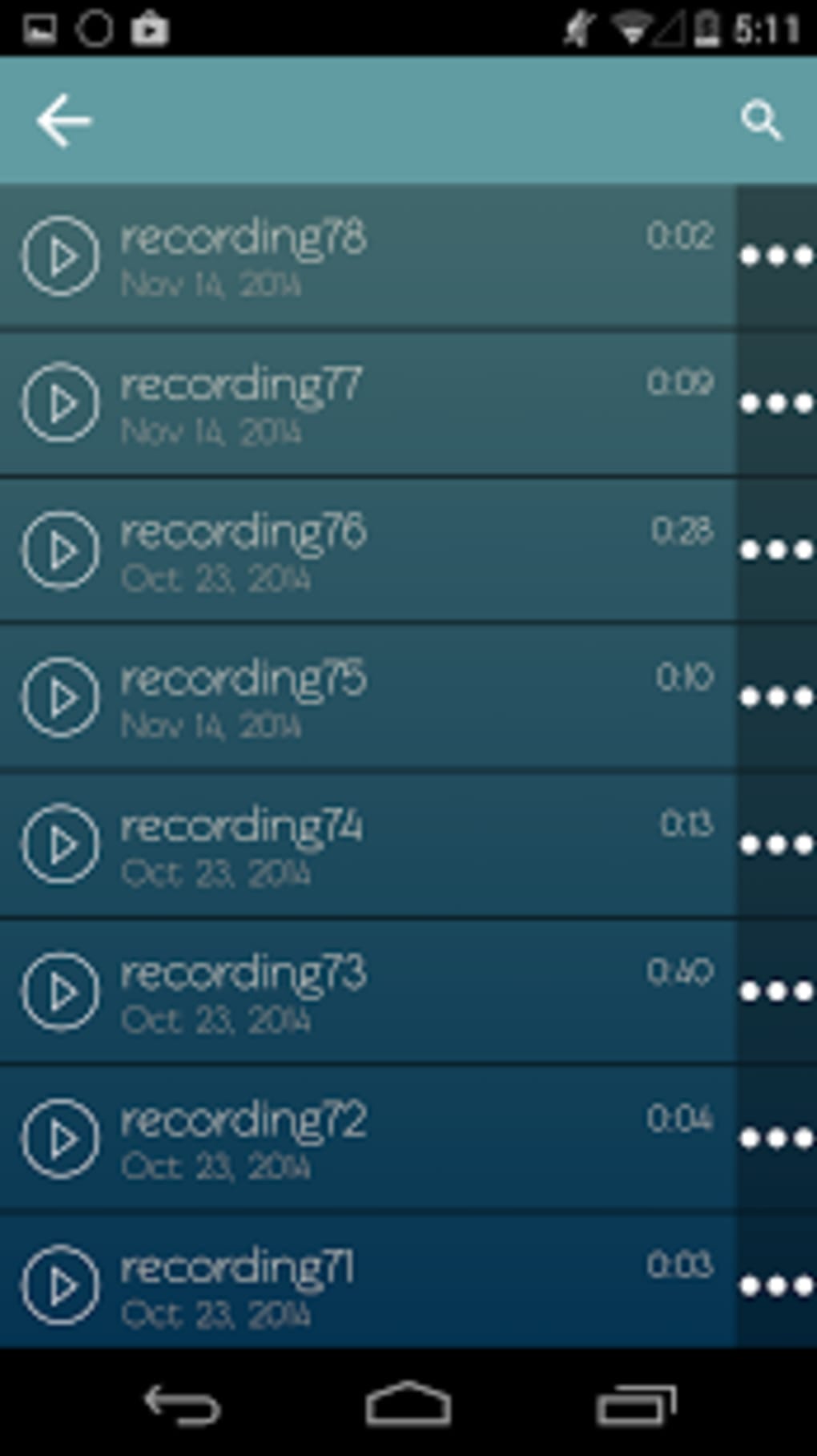
- On-Device Storage & Management – Recorded files are saved directly to the device, allowing users to access, edit, and organize recordings locally.
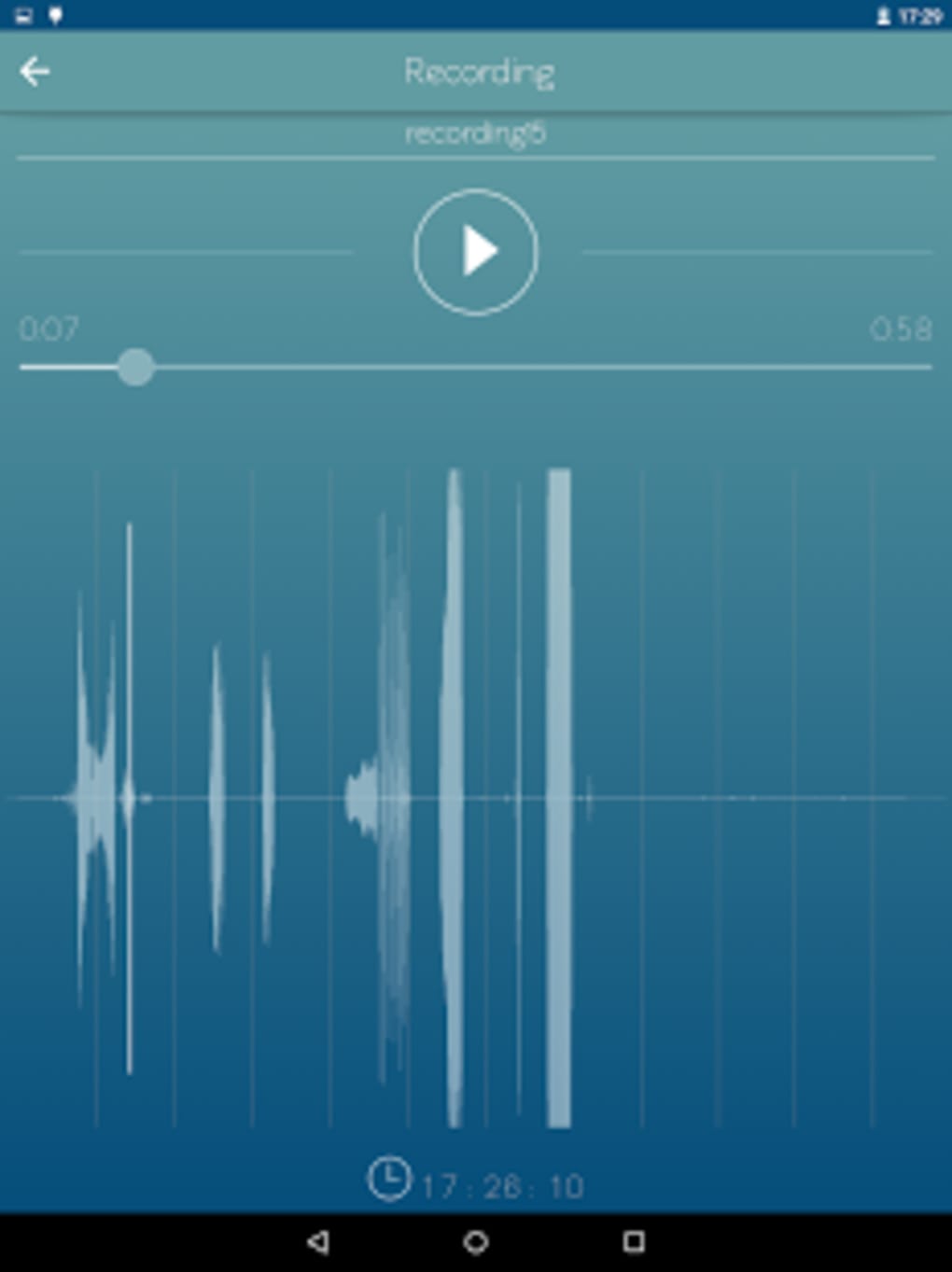
- Basic Editing Tools – Includes an edit function to trim or modify recordings before saving or sharing.
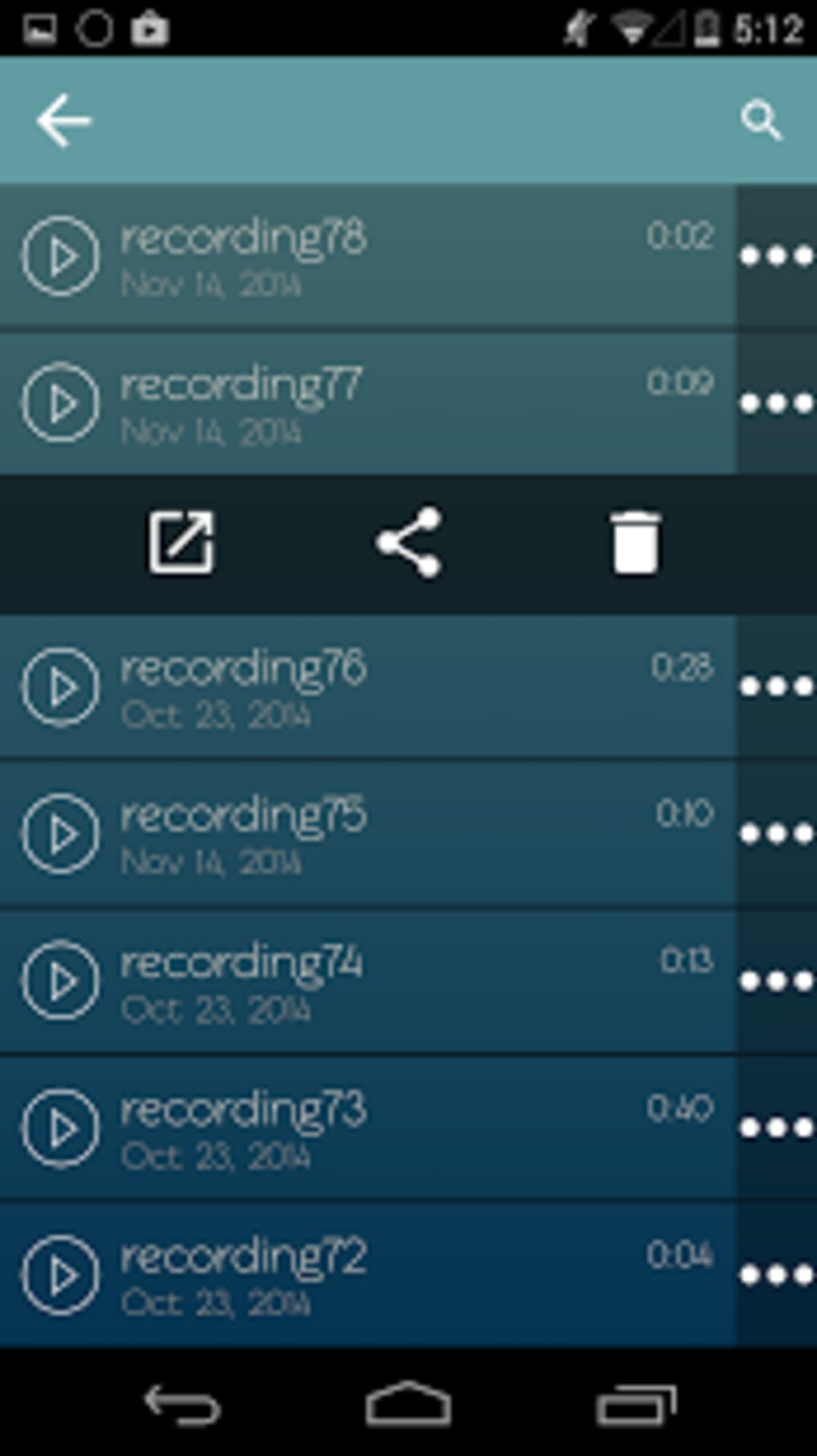
- Share and Delete Functions – Users can share recordings via messaging, email, or social platforms, or remove unwanted files with a dedicated delete option.
These features support practical workflows such as recording a lecture while listening to a video, capturing a voice memo during a walk, or saving a song snippet from a playlist. The app’s focus on essential functionality ensures that users can complete tasks efficiently without navigating complex menus or encountering unnecessary features.
User Interface, Workflow & Performance
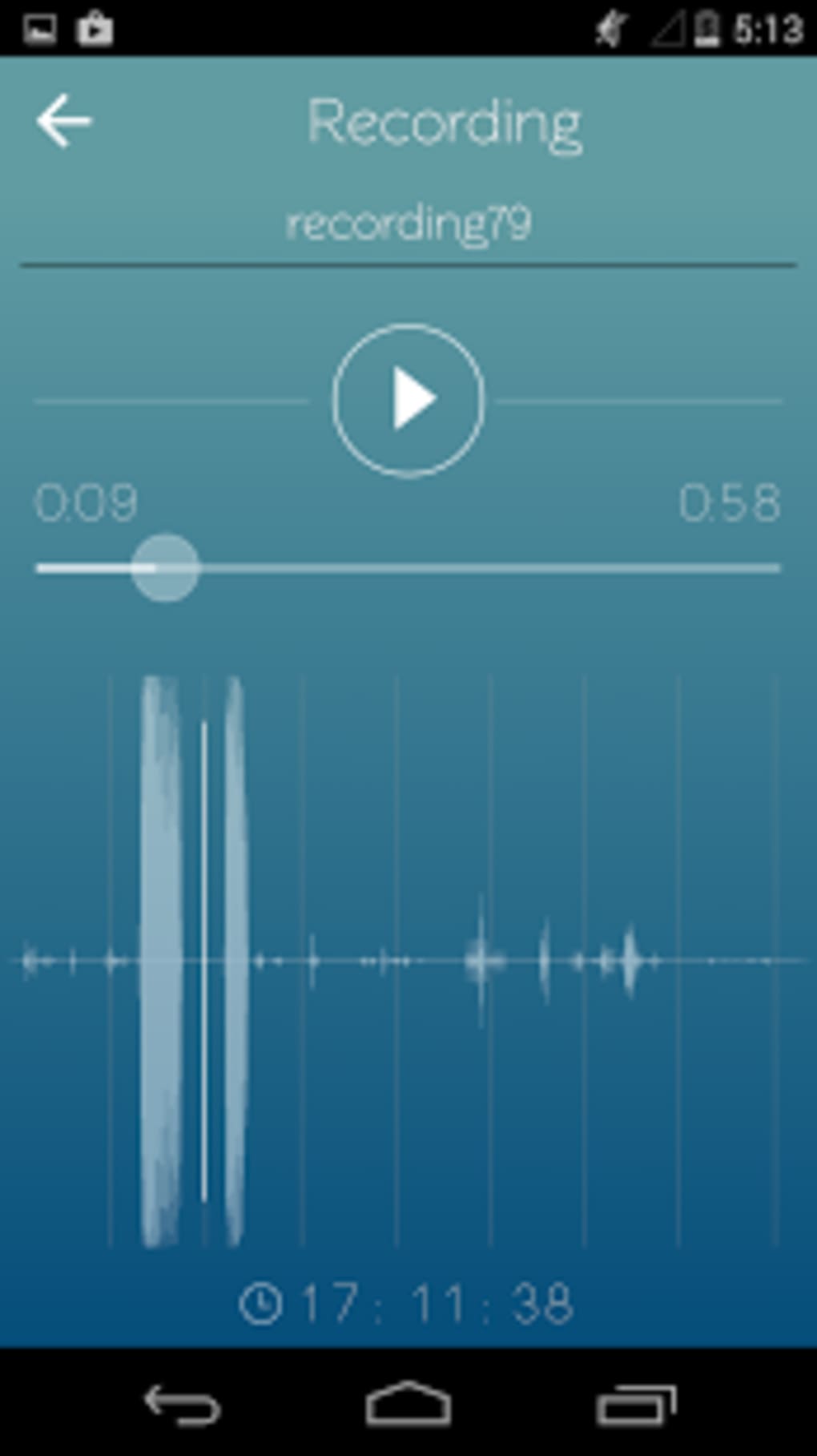
The user interface of Voice Recorder is designed with simplicity in mind, featuring a clean layout centered around a large record button positioned at the bottom right of the screen. Navigation is intuitive, with clear labels and minimal visual clutter. Users can switch between voice and device audio modes using tabs at the top of the screen, and access settings through a gear icon located in the bottom left corner. The workflow follows a linear path: start recording, manage settings, pause or stop, then edit or save. This streamlined process reduces user friction and supports quick task completion. The developer did not specify resource usage details, so performance behavior in terms of CPU or RAM consumption remains unknown. However, based on the app’s size (10.5 MB) and its focus on core recording functionality, it is expected to operate efficiently on most modern Android devices. Stability and long-term performance were not evaluated in this review due to limited public data.
Compatibility & System Requirements
Voice Recorder is designed for Android devices and is compatible with the operating system version specified in the release information. The application has a file size of 10.5 MB, which suggests it is lightweight and suitable for devices with limited storage. The exact system requirements, including minimum Android version, processor, or RAM specifications, were not listed by the developer. Compatibility information is limited to the OS category. As such, users should verify that their device meets the minimum requirements for running Android applications in general. The app does not appear to require a specific hardware configuration beyond standard Android capabilities. For users with older devices, installation and operation may depend on the device’s ability to support audio recording and playback functions.
Pros and Cons
Pros
- Free to download and use with no in-app purchases or ads mentioned
- Supports recording of both voice and device audio
- Simple, intuitive interface suitable for beginners
- Lightweight at only 10.5 MB
- Direct on-device storage for easy access and management
Cons
- No advanced editing tools beyond basic trimming
- Missing detailed system requirements or compatibility information
- Performance and resource usage not publicly documented
- Limited customization options for recording quality
- No cloud backup or synchronization feature
FAQ Section
Is Voice Recorder available for iOS devices?
Based on the provided information, Voice Recorder is currently designed for Android devices only.
Is the app safe to download and use?
The app is distributed as a free APK from the developer Sappalodapps Development. Users should ensure they download from trusted sources to avoid potential risks associated with third-party APKs.
Does Voice Recorder require an internet connection?
Recording and playback functions can be performed offline. However, sharing recordings via certain apps may require an active internet connection.
How often are updates released for Voice Recorder?
The latest version available is 1.0, released on March 15, 2024. No information is provided about the update frequency or future development plans.
Can I use Voice Recorder to record music from streaming apps?
Yes, the app supports recording system audio, which allows users to capture sound from streaming services, provided the device and Android version support this feature.
Final Thoughts
Voice Recorder presents a no-nonsense solution for Android users seeking a free, reliable tool to capture voice and device audio. Its dual recording capability, lightweight design, and straightforward interface make it particularly useful for students, professionals, and casual users who need quick access to audio notes. While it lacks advanced features like cloud sync, detailed editing, or extensive customization, its core functionality is well-executed and accessible. The absence of pricing or ads enhances its appeal as a simple, trustworthy utility. For users prioritizing ease of use and functionality over advanced tools, Voice Recorder offers solid value. It is a practical choice for anyone needing a basic yet effective audio recording app on Android.
Download Voice Recorder APK now
Guides & Tutorials for Voice Recorder APK
How to install Voice Recorder APK
- Click the Preview / Download button above.
- Once redirected, accept the terms and click Install.
- Wait for the Voice Recorder APK download to finish on your device.
How to use Voice Recorder APK
This software is primarily used for its core features described above. Open the app after installation to explore its capabilities.
User Reviews for Voice Recorder APK 0
No reviews found





